Blogs

Blog Category

Instagram marketing for small businesses
Blogs

Instagram marketing for small businesses

Instagram Marketing for Small Businesses: A Practical Guide to Growing Your Local Brand Running a small business means wearing every hat. You handle the books, the customers, the inventory, and somehow the marketing too. Instagram marketing for small businesses has become one of the most affordable ways to reach people who are already looking for what you sell. Unlike a billboard that nobody remembers, a well-run Instagram account puts your products, your personality, and your story in front of local customers every single day. This guide walks you through how to build an Instagram presence that brings in real customers, without needing a big budget or a marketing team. Whether you run a shop in Malappuram or serve customers across Kerala, the same principles apply. If you want a specialist to guide the process, a qualified digital marketing expert in Malappuram can help you put these steps into practice. Why Instagram Works for Small Businesses Instagram is a visual platform, and people use it to discover products, compare options, and decide where to spend their money. For a small business, that’s an opening. A bakery, a salon, a clothing boutique, or a repair shop can look just as appealing as a national brand when its photos are clear and its posts are consistent. The platform also rewards authenticity. Customers often prefer a shop owner who speaks directly to them over a polished corporate message. Behind-the-scenes clips, customer stories, and honest updates build trust faster than traditional advertising. Step 1: Set Up a Business Profile That Converts Your profile is your storefront, so treat it that way. Switch to a professional account, which gives you access to insights and contact buttons. Choose a clear profile photo, usually your logo or a well-lit product shot. In your bio, state what you do, where you’re located, and what makes you different, all within a few short lines. Add a link to your website, booking page, or online store. If you’re using a link-in-bio tool, make sure the main link leads somewhere useful. Your username should match your business name wherever possible, so customers can find you easily across platforms. Step 2: Know Your Audience Before You Post Before creating content, answer a few questions. Who buys from you? What problems do they want solved? Where do they live? What do they care about? Instagram’s built-in insights show you the age range, location, and active hours of your followers. Use that data to shape your content and choose the best times to publish. A café in a university town will have different peak hours than a home renovation company in a suburban area. Step 3: Plan a Content Mix Posting randomly wastes time and confuses your audience. A simple content mix keeps things balanced: A rough guideline is to keep promotional posts under 20 percent of your content. The rest should inform, entertain, or connect. Step 4: Use Reels, Carousels, and Stories Together Each format serves a different purpose. Reels reach new people because Instagram shows them to users beyond your current followers. Carousels work well for step-by-step guides, product comparisons, and tips. Stories keep your existing audience engaged with polls, quick updates, and time-sensitive offers. Film short Reels on your phone with good natural lighting. Clear audio and a strong first two seconds matter more than expensive equipment. Step 5: Build Consistency With a Posting Schedule Consistency beats volume. Three to five quality posts per week, plus regular Stories, is enough for most small businesses. Batch your work by setting aside one block of time each week to plan captions, shoot content, and schedule posts through Instagram’s built-in tool or a scheduling app. Step 6: Engage Like a Real Person Posting alone is not enough. Reply to every comment and direct message you can. Like and comment on posts from local businesses and customers. Ask questions in your captions to invite responses. Engagement signals to Instagram that your content deserves wider distribution, and it also builds the relationships that turn followers into loyal buyers. Step 7: Use Hashtags and Location Tags Wisely Hashtags help people discover your content beyond your follower count. Mix broad tags with niche and local ones. For example, a florist in Austin might use a broad tag like #flowers alongside more specific tags like #austinflorist and #weddingflowersaustin. Add your location tag to every post where it fits, since local customers search by place. Keep hashtags relevant. Stuffing unrelated tags into a post can hurt your credibility. Step 8: Collaborate With Local Creators and Businesses Partnering with micro-influencers, meaning creators with a few thousand engaged followers, often delivers better results than chasing large accounts. Local collaborations work too. A coffee shop can feature a nearby bookstore, and both can share their audiences. Offer a product exchange, a co-hosted giveaway, or a guest post in exchange for exposure. Step 9: Track What Works Check your Instagram insights monthly. Look at reach, saves, shares, profile visits, and website clicks. Saves and shares usually signal content people find valuable. Profile visits and link clicks show interest that can turn into sales. Double down on the formats and topics that perform best, and drop what doesn’t. If you’re sending traffic to your website, connect Google Analytics or use UTM tags on your links. That way you can see which Instagram posts actually lead to purchases or inquiries. For help putting a complete plan together, explore the services we offer or contact us directly. Step 10: Consider Paid Ads When You’re Ready Organic growth takes time, and that’s fine. Once you’ve identified your best-performing posts, Instagram ads let you boost them to a targeted audience. Start with a small daily budget, test two or three versions, and scale what gets results. Meta’s Business Help Center explains how to set up campaigns and audiences step by step. Common Mistakes to Avoid Many small businesses lose momentum because of a few avoidable habits. They post only sales messages, ignore comments, go silent for weeks, use low-quality

Instagram marketing for small businesses Read Post »
SEO strategies for beginners in 2026 to improve website visibility and organic traffic
Blogs

SEO STRATEGIES FOR BEGINNERS IN 2026

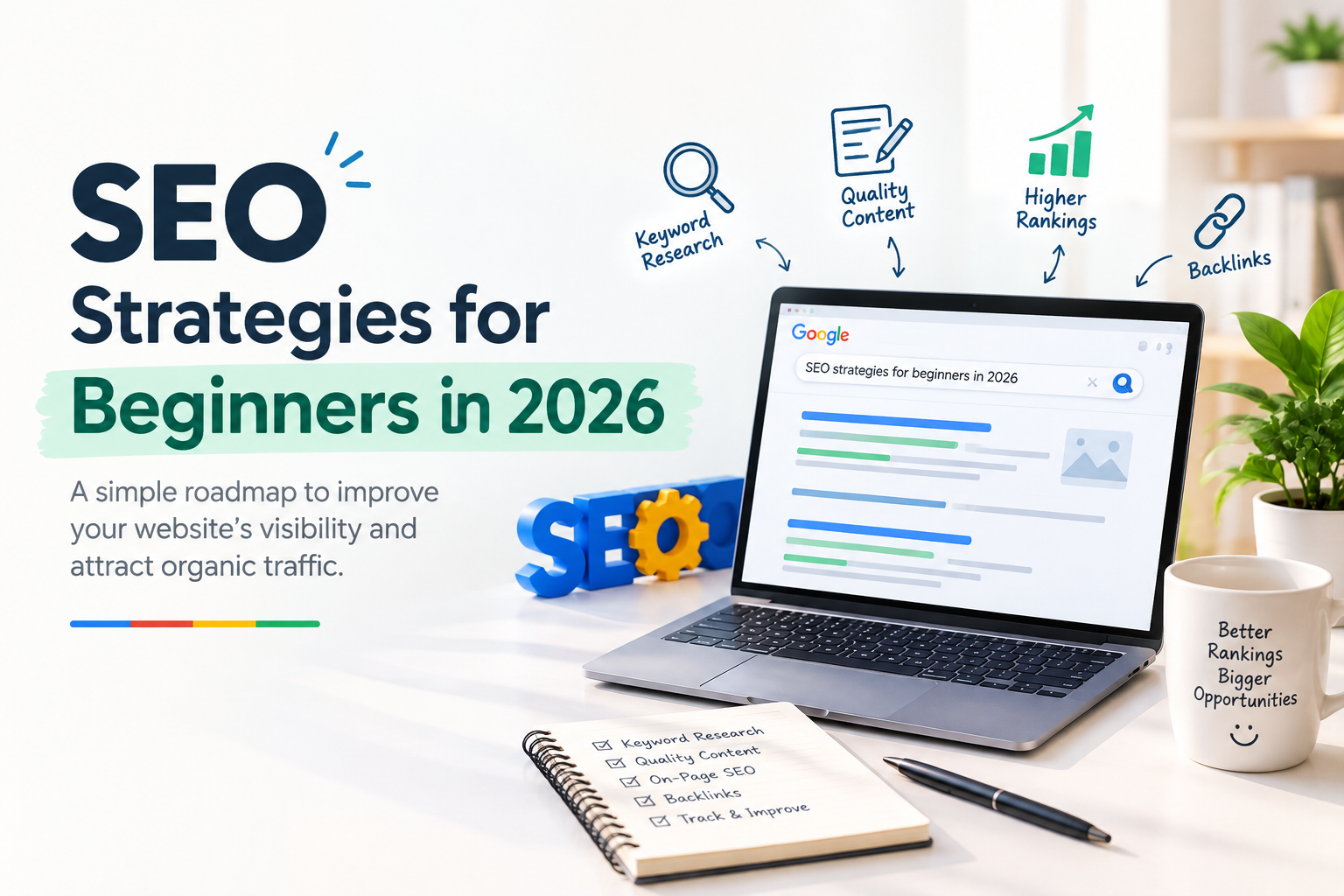
SEO Strategies for Beginners in 2026: A Simple Guide SEO strategies for beginners in 2026 start with keyword research, helpful content, and a website that is easy for visitors to navigate. Building a website is the easy part. Getting strangers to find it is harder. You might have knowledge, products, or services that people need, but if your pages don’t surface when they search, most of those people will never know you exist. Search engine optimization (SEO) is the discipline of making your site easier for search engines to read and easier for people to use, so it earns a place in organic, unpaid results. You don’t need an engineering background to start. A handful of basic habits, practiced consistently, will take you further than any single trick. SEO Strategies for Beginners in 2026: Why Search Optimization Matters In essence, SEO means making a page legible to crawlers while making sure the person who lands on it finds exactly what they were looking for. Picture someone typing a request for a local tutor who teaches chemistry. A tutoring website that spells out its subjects, shares study resources people can actually use, and makes its contact details easy to find will surface for those searches far more often than a vague homepage with no real detail.  The benefits tend to show up in a few areas. Search engines start showing your content for the phrases that are most important to your business. The visitors who arrive are usually looking for exactly what you offer. Well-made content keeps attracting readers long after it was published, though at a gradual pace. A clean, navigable site also keeps people around longer. And every appearance in search results is an opportunity to earn a customer or reader. Expect progress to be slow. SEO rewards patience and steady refinement, not quick wins. SEO strategies for beginners in 2026 start with understanding search intent, choosing relevant keywords, and creating helpful content that answers users’ questions. SEO Strategies for Beginners in 2026: Start With Keyword Research Before you write anything, figure out what your audience is actually typing into a search bar. Broad words like “marketing” are crowded and vague. A phrase such as “simple SEO checklist for a bakery website” tells you much more about the person searching and what they need. Think about your audience’s problems, questions, and vocabulary. Google’s autocomplete suggestions and “related searches” section are free sources of real phrasing. Keyword tools can add data on search volume and competition, but treat those numbers as estimates rather than facts. Beginners usually do best with longer, more specific phrases, since they face less competition. Still, verify demand before committing. For each page, pick one primary keyword and weave in related terms where they fit naturally. Dropping the same keyword into each paragraph sounds robotic to readers and can make the text harder to follow. SEO strategies for beginners in 2026 work best when you choose relevant keywords based on what your audience is searching for. Write Content That Serves the Reader Your pages give search engines the evidence they need to assess your website, and they give visitors the reason to keep reading or leave. Both reward pages that answer a question well. Start by deciding what question the page answers. Then shape the piece around it: a clear introduction, sections with descriptive headings, and a conclusion that gives the reader something to do next. Explain ideas in everyday words and illustrate them with real cases instead of heavy technical jargon. Add something a reader couldn’t easily get elsewhere, such as your own experience, a small test you ran, or a worked example. AI tools can help you draft, but a draft is not finished until a person has checked its accuracy and added real insight. Publishing generic text that merely restates what already ranks rarely earns trust. In 2026, write for the person reading, not for a keyword count. SEO strategies for beginners in 2026 should prioritize helpful information and a smooth experience for every website visitor. Optimize the Page Itself On-page SEO means making each page’s elements clear to both machines and humans. Your title should give an accurate picture of the page’s content, and where it makes sense, the main keyword should appear toward the beginning. Keep it readable. A title stuffed with modifiers looks spammy and often gets rewritten by search engines anyway. The meta description is a short summary that can influence whether some one clicks. It isn’t a direct ranking factor, but it shapes what searchers expect to find. Write it as a plain, honest promise about the page. Work your primary term into several key locations, including the headline, the first paragraph, a section heading where it reads well, the page address, and the summary shown in search results. A slug like /seo-basics-small-business-2026/ is easy to read and tells both users and crawlers what to expect. Images deserve attention too. When an image carries information, give it descriptive alt text that explains what it shows. Alt text is for accessibility and context first, so don’t force keywords into it. One of the most practical SEO strategies for beginners in 2026 is to optimize page titles, meta descriptions, headings, and image alt text while keeping the content natural and easy to read. Improving Speed and Mobile Usability for Your Website Performance affects both rankings and whether visitors stay. People frequently abandon a slow or clumsy page before they get to the opening lines.  Check your site on a phone first. Text should be comfortable to read, buttons should be easy to tap, and key information shouldn’t be buried behind menus or cramped layouts. On the technical side, compress large images, remove plugins you don’t use, choose hosting that performs reliably, and turn on caching where your platform supports it. Google’s Core Web Vitals report on how quickly your main content appears, how soon the page responds to input, and how stable the layout stays while loading. Google Search

SEO STRATEGIES FOR BEGINNERS IN 2026 Read Post »

Blogs

Google Business Profile Optimization

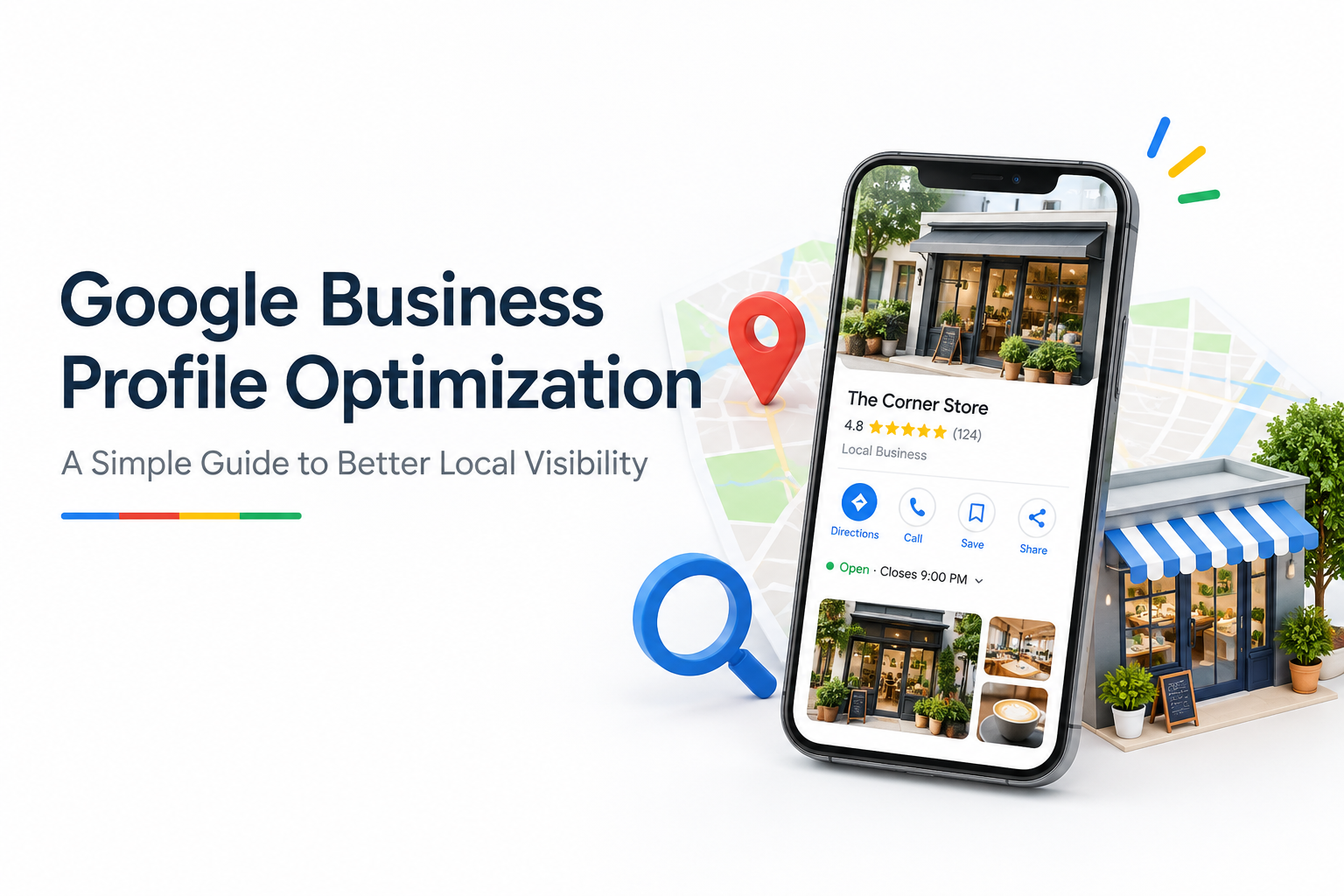
Google Business Profile Optimization: A Simple Guide to Better Local Visibility Google Business Profile optimization helps small businesses improve their local online presence and makes it easier for nearby customers to find their services. When someone searches for a service on Google using their phone, they may see a business profile with its name, star rating, photos, location, and opening hours before visiting the website. A complete and accurate profile helps potential customers understand what your business offers and how to contact you. By updating business information, uploading relevant photos, and responding to customer reviews, you can build trust and make it easier for people to choose your business. In this guide, you’ll learn practical steps to optimize your profile, strengthen your local online presence, and help customers find your business more easily. Why Google Business Profile Optimization Matters Your profile acts as a digital shop window. A passerby might decide in seconds whether to step inside, and a searcher decides just as quickly whether to call. When your profile is complete and active, it signals that your business is open, trustworthy, and ready to serve. It also gives you an edge over local rivals. Plenty of owners claim their listing and then forget about it. If you put in a few focused hours, you can leave most of your neighbors behind, and the work costs nothing except your time. How to Claim and Verify Your Google Business Profile You cannot change much until you prove you manage the listing. Start by searching for your business name in Google Maps. If your profile shows up, select the option to claim it and follow the on-screen steps. If nothing appears, you’ll need to create a new profile through the Google Business Profile site. Most owners verify by receiving a postcard at their business address that contains a short code. Some categories qualify for a phone call or email instead. Once you enter the code in your dashboard, you gain access to editing, posting, and performance data. If a former employee or a web designer set up the listing years ago, you can submit an ownership request through the same process. For step-by-step instructions, visit Google’s official guide to adding or claiming your Business Profile. After verification, review your Google Business Profile details carefully and make sure all the information is accurate. Google Business Profile optimization starts with keeping your business information complete, updated, and consistent so customers can easily find and contact you. Google Business Profile Optimization: Complete Every Section Google cares about accuracy and completeness. Work through these sections: Check that your name, address, and phone number match your website and any directories you appear in. Pick one style for abbreviations, like “Avenue” versus “Ave.,” and stick with it everywhere. Inconsistent details make it harder for both search engines and people to trust your information. Consistent Google Business Profile optimization also means checking your business details regularly and updating them whenever your contact information, location, or opening hours change. This helps customers find accurate information and contact your business without confusion. Choose the Right Categories for Google Business Profile Optimization The primary category is the most important label on your profile because it tells Google what you do. Select the narrowest option available. A listing marked “Italian restaurant” performs better for relevant searches than one marked only “Restaurant.” Add secondary categories for other services you provide, and review them every few months since Google introduces new options over time. Avoid choosing categories just because they sound popular. If a category doesn’t describe your main work, it can bring in the wrong inquiries. Looking at which categories your strongest local competitors use is a practical way to decide. To understand the main factors that influence local search visibility, read Google’s guidelines on improving local ranking. Write an Effective Google Business Profile Description Your description gives you roughly 750 characters to explain who you are. Describe the work you do, the people you help, and the qualities that set you apart. Work in phrases your customers actually type, such as “same-day drain repair in Springfield” or “bakery making sourdough daily,” but keep the language natural. Sentences that read smoothly to a human also make the business easier for search engines to interpret. Lead with concrete facts like years in business, service areas, or a specialty. Phrases like “the best service around” tell readers very little, while specifics such as “serving Maple County since 1998” are far more persuasive. Add Services and Products to Your Google Business Profile The Services and Products sections are often skipped, yet they give customers a clear view of your offerings. Add each service with a short title and a sentence or two of detail. If your prices are standard, show them, because customers appreciate knowing the cost before they call. If people can book or order online, include that link. The easier you make the next step, the more likely a visitor is to take it. Google Business Profile Optimization: Photo Tips Profiles with photos tend to earn more clicks and direction requests than those without. Aim to include: Bright, sharp photos in horizontal or square framing look best. A modern smartphone can produce strong results in good daylight if you wipe the lens first. Refresh your gallery regularly, because new images tell both Google and customers that the business is active. Seasonal displays or a recent project make excellent additions. Regularly updating your photos is an important part of Google Business Profile optimization. Add new images whenever you complete a project, introduce a product, or make changes to your business. Fresh, relevant photos help customers understand your services and keep your profile informative and engaging. Get More Reviews with Google Business Profile Optimization Reviews influence how customers perceive your business and can contribute to local prominence. As part of Google Business Profile optimization, ask satisfied customers to leave honest feedback after they use your services. You can share a review link directly from your profile.

Google Business Profile Optimization Read Post »

Scroll to Top